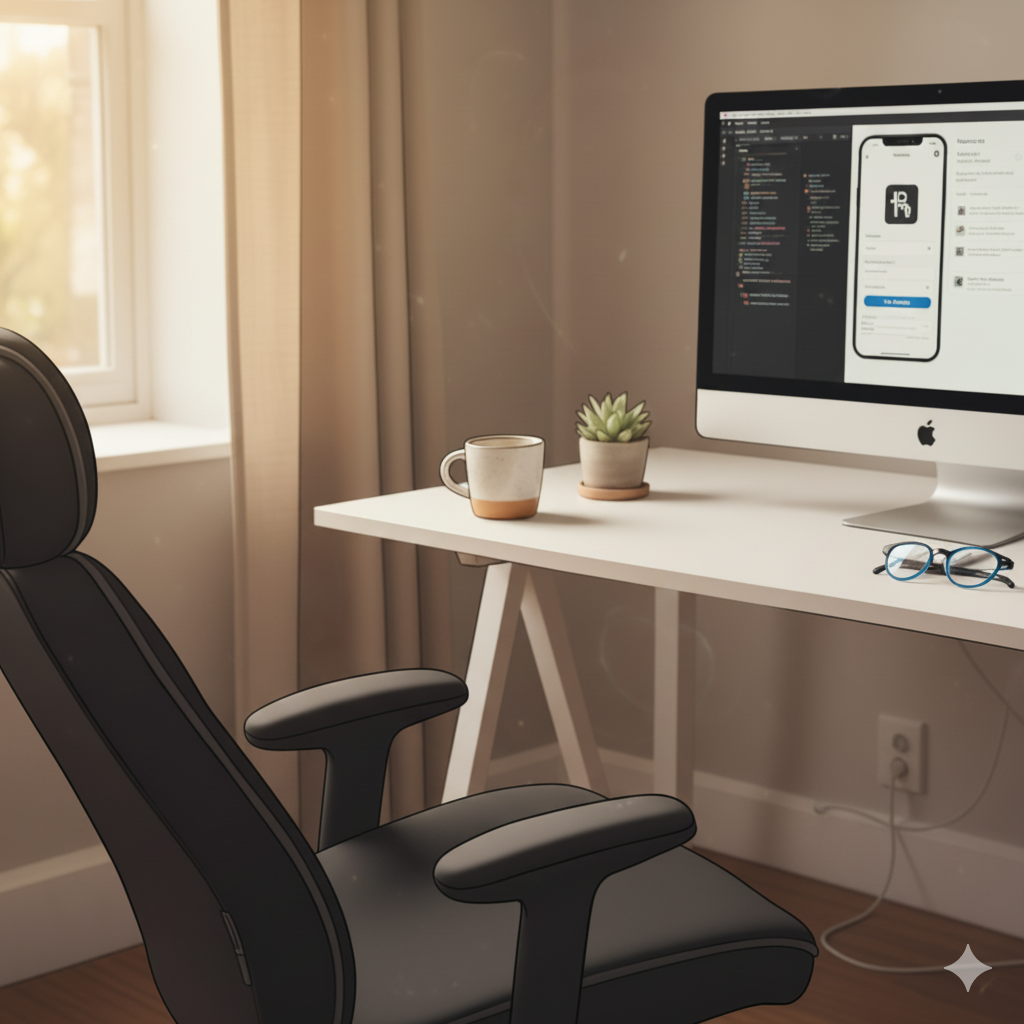
I’m currently working on a side project to create an iOS app in SwiftUI and not being a full time software engineer, have been struggling with some of the newer features of Swift 6.2 such concurrency – and I’d usually head over to YouTube 📺 or maybe the Swift Forum. Reflecting on my challenges, it used to be that building software required hours of education, learning the syntax, techniques, precision, and many failed attempts at prototyping code.
Today, a quiet revolution is changing that. Welcome to Vibe Coding, a concept popularised by AI researcher Andrej Karpathy, which transforms the development process from a careful execution of logic into a fluid, conversational partnership with an AI LLM.
But what exactly is vibe coding, and which LLM’s are the key to unlocking this exponential workflow?
What is Vibe Coding?
Vibe coding is an AI-assisted development methodology where the primary focus shifts from writing code to guiding a Large Language Model (LLM) to generate, refine, and debug an entire application or feature.
The core idea is to bypass the drudgery of boilerplate and syntax errors by speaking your intent in natural language. Instead of writing a function line-by-line, you simply prompt: “Create a responsive navigation bar using SwiftUI with three links: Home, About, and Contact, and include a dark mode toggle.”
The “vibe” refers to the conversational, iterative loop:
- Describe the Goal: Tell the AI what you want in plain English.
- Generate and Observe: The AI produces the code. You run it immediately.
- Refine the Vibe: If it’s not quite right, you provide feedback in natural language: “That looks great, but make the dark mode switch purple and put it on the right side.”
This process allows you to maintain the creative flow, focusing on the desired outcome and user experience rather than getting stuck in technical implementation details. It’s a massive win for rapid prototyping, side projects, and non-technical founders looking to bring their ideas to life quickly.
The LLMs That Power the Vibe
Vibe coding isn’t possible without powerful, code-aware LLMs that can handle immense context windows and complex, multi-step instructions. Here are the leading AI models and tools defining the current landscape:
1. Gemini (The Full-Stack Agent)
Models like Gemini 2.5 Pro and its integrated tool, Gemini Code Assist, are rapidly becoming essential. Gemini is known for its strong full-stack reasoning, excelling not just at generating front-end code but also at connecting database schemas, writing server-side logic (Node, Python, Java), and understanding multi-file projects. Its powerful agentic capabilities mean it can often interpret high-level prompts and execute multiple steps of a project on its own.
2. Claude (The Quality Consultant)
Anthropic’s models, such as Claude 3.7 Sonnet or Claude 4.5 Opus, have consistently earned praise from developers for their code quality and ability to maintain context over long, complex coding sessions. Claude is often seen as the model that generates the cleanest, most readable, and safest code structure, making it a favorite for enterprise-level or professional “responsible AI-assisted development.”
3. GitHub Copilot (The Ubiquitous Pair Programmer)
GitHub Copilot, which operates directly within your IDE (like VS Code or Apple XCode), uses sophisticated LLMs to provide real-time code completions, full function suggestions, and instant documentation. For many coders, this in-editor companion is the original, everyday expression of the “vibe.”
Time to Catch the Vibe
Vibe coding isn’t about eliminating developers; at least not anytime soon 😉 it’s about changing our roles from manual labour to creative direction. It empowers experts to work at exponential speed and allows newcomers to build functional prototypes before they master every nuance of a language.
The greatest benefit of vibe coding is its low barrier to entry. You no longer need to spend months learning Swift, Go or Python syntax just to validate an idea.
The call to action is simple: Give it a try!
Fire up your favourite LLM—whether it’s Gemini, Claude, or a tool like Cursor or Replit—and start a new project. Instead of setting up the file structure manually, just tell it: “Create a simple, working calculator using swiftui 6.2 and make the buttons look great with a blue and white theme.”
You might be surprised how quickly you can go from zero to a working product just by following the vibe.
Hope you found this article of interest, in future post’s I’ll talk about my journey with vibe coding in Swift, using Apple XCode and other tools – stay posted for updates 👍




Leave a Reply